Smart home installation
Lighting, curtains, door access and CCTV that all sit on a network built to carry them — which is the part most installers skip. We cable first, then automate.
The network comes first
Almost every smart home that stops working properly after a year has the same underlying problem: it was built on a single consumer router, and every device added since has been fighting the others for airtime.
A house with four cameras, a doorbell, a dozen bulbs, two speakers and three phones is asking a lot of one access point in the hallway cupboard. Cameras in particular are relentless — they upload continuously, and when the WiFi is saturated it is usually the door access or the video call that suffers.
So we start with the network. Cameras and anything fixed go on cable wherever a cable can reach. Access points go where the coverage is needed rather than where the wiring happened to end. Only then do we add the automation on top.
What we install
- Smart lighting and scenes — individual fittings or whole-room control, with scenes that do something useful rather than a phone app for every bulb.
- Motorised curtains and blinds, wired properly to a switched supply rather than left on batteries that need changing at height.
- Door access and intercom — video at the gate, remote release, and a record of who called.
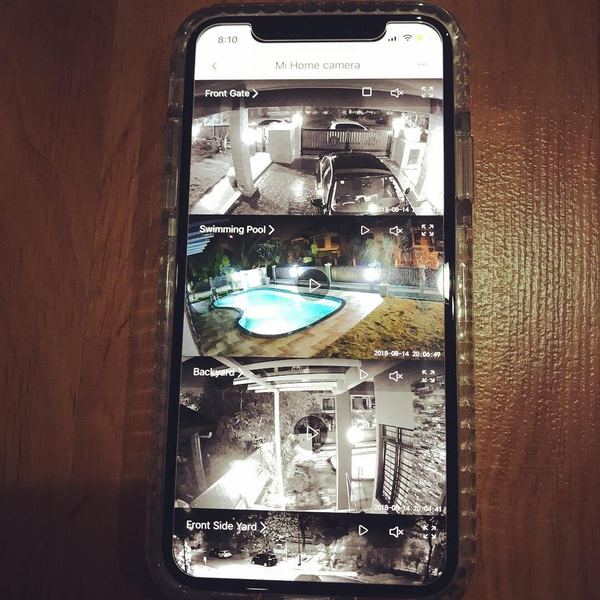
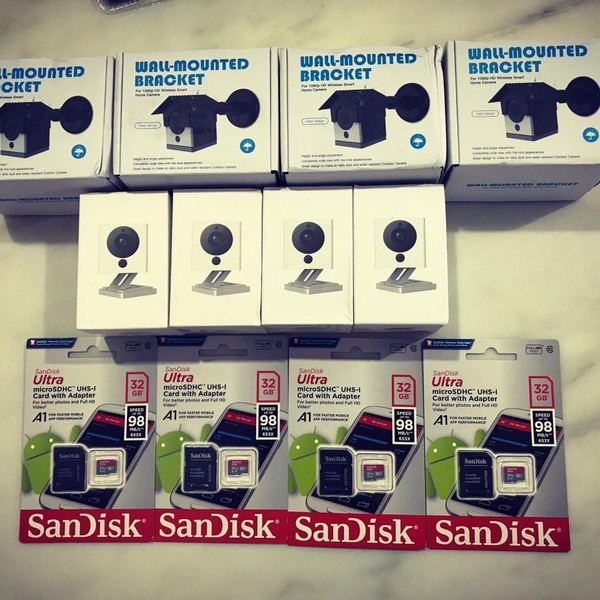
- CCTV and NVR — cameras positioned for faces and plates rather than for wide pretty views, recording locally so footage is not dependent on a subscription.
- Whole-home WiFi — enough access points, correctly placed, on the right channels.
- Voice and app control where it genuinely helps, and physical switches everywhere, because a light that can only be turned on by a phone is a downgrade.
Not locked into one brand
Single-brand ecosystems are simple to install and painful to live with. When the manufacturer changes their app, discontinues a hub or moves a feature behind a subscription, you find out how little control you had.
Where we can, we choose devices that speak open standards and keep the control local, so the lights still work when the internet is down and you are not one firmware update away from a house full of expensive paperweights.
That also means you can add to it later without replacing what you already have — including equipment installed by someone else, which we will work with rather than insist on ripping out.
New build or existing house
In a new build or a renovation, the cheapest time to do this is before the ceiling closes. Running cable then costs a fraction of what it costs afterwards, and it is worth pulling more than you think you need — the cable is the inexpensive part.
In a finished house, we work with what the structure allows: surface trunking where it can be routed discreetly, existing conduit where it exists, and wireless where cable genuinely cannot reach. We will tell you honestly which parts will be tidy and which will be a compromise before we start, not after the drill comes out.
Common questions
Do I need to rewire the house?
Usually not entirely. Lighting can often use the existing wiring; cameras and fixed devices are the ones worth running new cable to. We survey first and tell you what genuinely needs new cable and what does not.
Will anything still work if the internet goes down?
That depends on the devices, which is exactly why we choose them carefully. We favour setups that keep control local, so lights, switches and local recording keep working. Remote access from outside the house obviously needs a connection.
Can you work with the CCTV I already have?
Usually, yes. We would rather add to a working system than replace it. If the existing cameras are too low-resolution to be useful as evidence we will tell you, but that is your decision to make with the facts.
Is it better to do this during renovation?
Much better, and considerably cheaper. Before the ceiling closes, cable is the inexpensive part of the job. Afterwards it becomes the expensive part.
Do you cover areas outside Kuala Lumpur?
Kuala Lumpur and Selangor as standard. Sites beyond the Klang Valley by arrangement.
Work from this service